
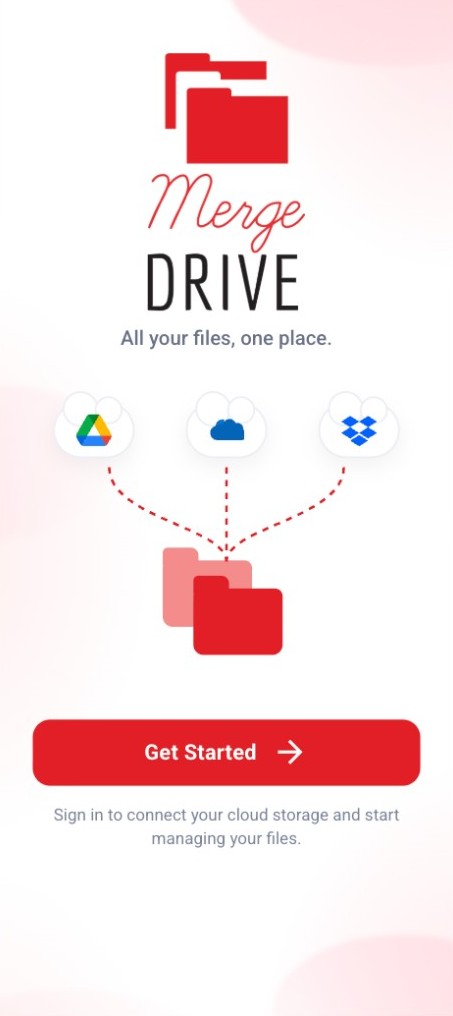
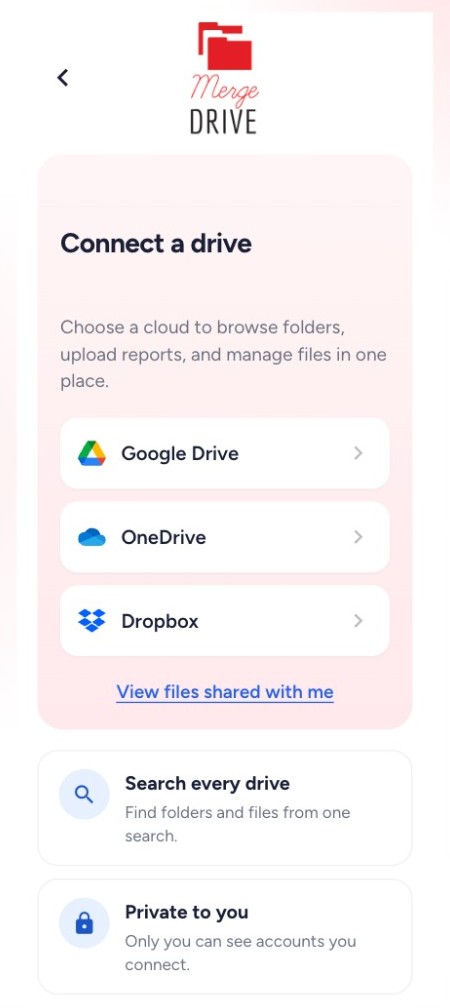
Merge Drive is an easy cloud file explorer for Android and the web to access Google Drive, OneDrive and Dropbox under one platform. It’s free and fast with a simple UI and is very easy to use.

 Google Drive
 OneDrive
 Dropbox
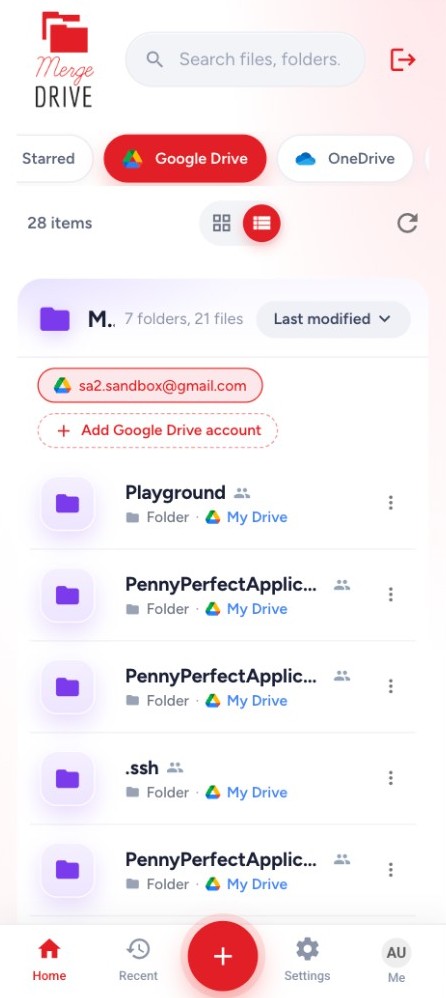
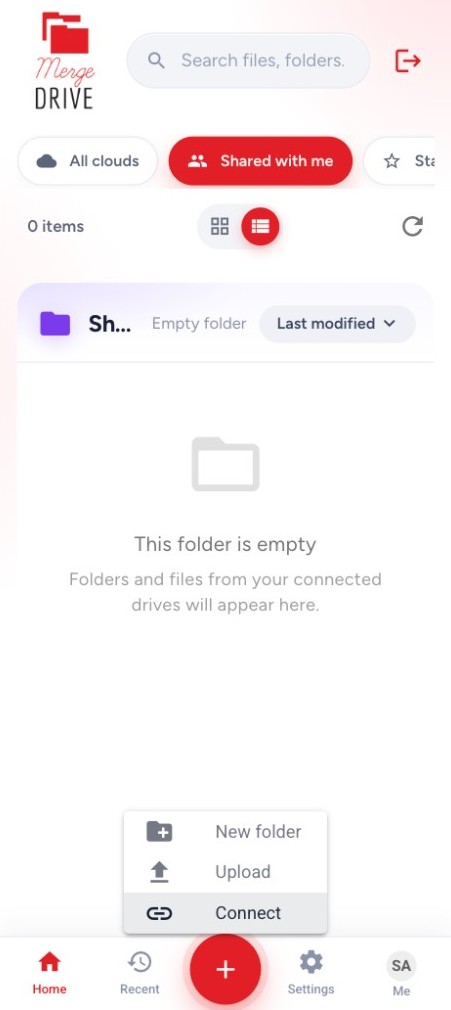
Merge Drive allows you to access Google Drive, OneDrive and Dropbox from one app. It supports every file management action (view, preview, search, navigate folders, upload, create folders, rename, move, star, share, download and delete files). Your files stay in your own cloud. The app doesn’t store your file contents, so you don’t have to worry about privacy issues.
Navigate after connecting accounts easily and perform managing operations without swapping in-between multiple apps.
View all your Google Drive, OneDrive and Dropbox accounts together in one merged view for better storage management.
A clean, light design that is easy to use without worrying about complications.
Feeling lost, can’t find a file? Not sure where you stored it? Simply use the search option, the app looks for the file name in all your Google Drive, OneDrive and Dropbox accounts and locates it for you in a short time.
Considering file management a hassle? Do you think moving files from one drive to another requires a lot of effort? Let’s make it easy for you! Use the move operation in our app, it will transfer the files without the hassle of downloading and uploading manually.